2017 Ford F-150 Owner’s Manual — Ambient Lighting
Lighting
Use the touchscreen to select the following:
 Select the settings option on the feature bar.
 |  Select ambient lighting.
 |
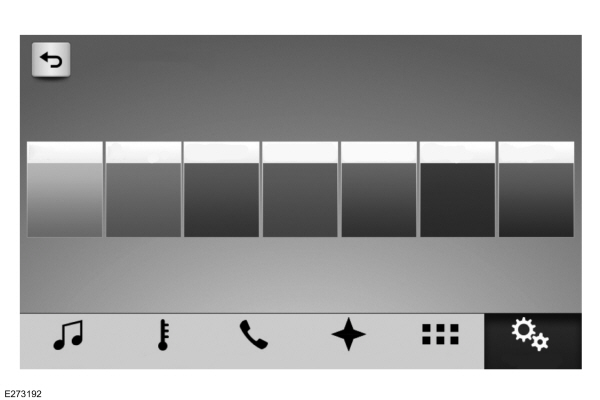
Switching Ambient Lighting On
Touch a color once.
Changing the Color
Touch any color once.
Adjusting the Brightness
Drag the selected color up or down.
Switching Ambient Lighting Off
Touch the selected color once or drag the selected color down to zero brightness.
Stored owner’s manualImported HTML from the shared Autotk manuals tables. Not an official Toyota site.